The short version
Every visitor on your website is signaling intent. They might be comparing pricing, checking product details, or hesitating before checkout. The problem is most small teams cannot see these signals until the visitor is already gone. Live chat changes that. When you know what someone is looking at before they ask, you can start a conversation that feels personal, relevant, and timed exactly right. Chatting puts real-time visitor context directly into your chat workflow, so your team replies faster and closes more deals without needing enterprise pricing or complex setup.
- Visitor intent signals show you what pages a visitor is viewing, how long they stay, and where they hesitate
- Real-time context lets your team start conversations with relevant information instead of generic greetings
- Small teams can use intent data to prioritize high-value visitors and stop wasting time on low-intent browsers
- Chatting combines visitor tracking with a shared inbox so your whole team sees the same context
- The goal is not more chats, it is more meaningful conversations that lead to conversions
What Visitor Intent Signals Actually Tell You
Visitor intent signals are the digital breadcrumbs visitors leave behind as they browse your site. These include the specific pages they view, how long they spend on pricing or product pages, whether they have visited before, and what search terms brought them to your site. When you have access to this context in real time, every chat becomes an opportunity to be helpful instead of generic.
For a small team, the value is in prioritization. Not every visitor needs a chat invitation. But when someone spends five minutes on your pricing page, visits three times in a week, or lands on a high-intent category page, that is a signal worth acting on. You can reach out with a specific question, offer relevant information, or simply greet them by name with context that proves you understand what they need.
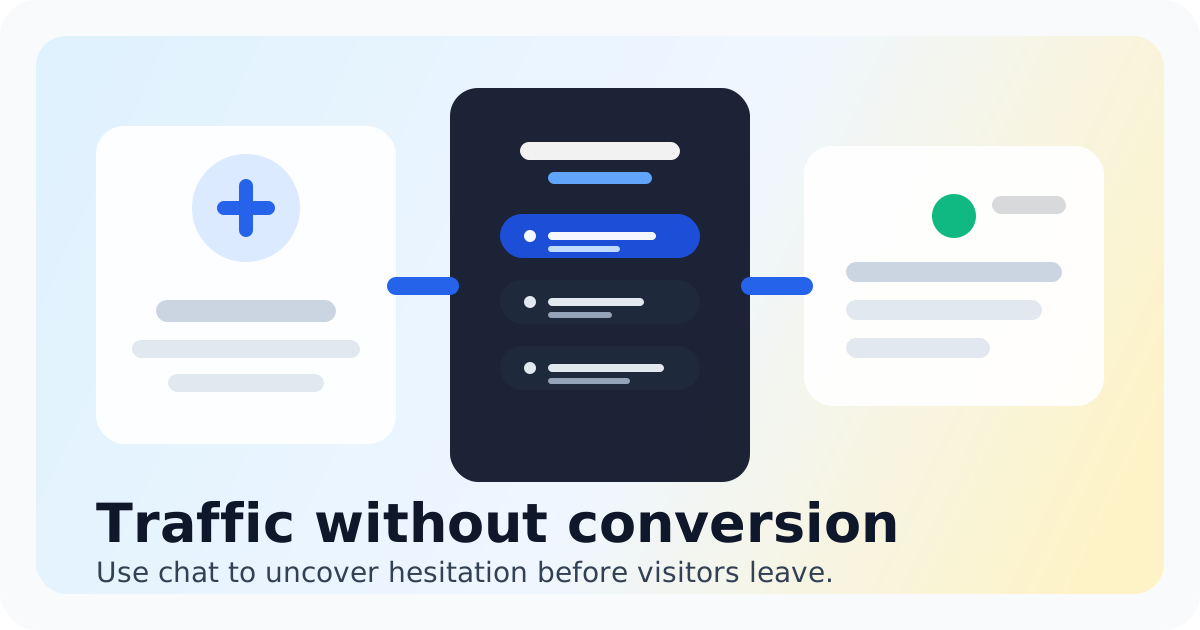
Chatting captures these signals automatically. When a visitor starts a conversation, your team sees their current page, referral source, and visit history in the chat sidebar. This means your reply is informed from the first message instead of asking basic questions the visitor already answered by their browsing behavior.
The practical result is faster replies that feel smarter. Instead of typing 'What are you looking for?' you can open with 'I saw you were checking out our pricing plans. Happy to answer any questions about team sizes.' That specificity builds trust and moves conversations toward deals.
How to Use Intent Data to Close More Deals
- Prioritize visitors on pricing, checkout, or product comparison pages. These visitors have high intent and are closest to a decision. A timely chat invitation can answer the final question holding them back.
- Use saved replies that match common intent signals. If you notice visitors frequently land on a specific feature page, create a saved reply that addresses those questions directly. Your team sends consistent, informed responses without typing from scratch.
- Invite chats proactively on high-intent pages. Do not wait for every visitor to start a conversation. Set up chat invitations that trigger when someone spends enough time on a key page. Chatting lets you customize these triggers based on page URL or time on site.
- Route conversations based on intent. When your team sees visitor context, they can decide whether to prioritize a live answer, schedule a follow-up, or send a targeted resource. Not every conversation needs an immediate reply, but every conversation benefits from context.
- Follow up with visitors who engaged but did not convert. If someone chatted briefly or left the site after viewing pricing, your shared inbox lets your team send a follow-up message later. The conversation history keeps everyone on the same page.
Bottom Line
Visitor intent signals are not a luxury feature for enterprise teams. They are the difference between generic chat support and real sales conversations. When your team knows what a visitor is interested in before the first message, every reply feels more relevant, every response is faster, and more conversations turn into deals.
Chatting includes visitor tracking as part of its live chat workflow. You get the context your team needs without paying for a separate analytics tool or enterprise platform. The chat widget installs in minutes, the inbox is simple enough for any team to manage, and the intent data appears automatically in every conversation.
If your team is ready to stop guessing what visitors need and start having informed conversations that close deals, the combination of real-time visitor context and a shared chat inbox is the place to start. Explore the visitor tracking feature to see how much context your team has been missing.
See visitor tracking
See how Chatting handles visitor intent signals live chat sales for small teams.
See visitor trackingFAQ
What are visitor intent signals in live chat?
Visitor intent signals are data points that show what a visitor is doing on your website before they start a chat. This includes which pages they viewed, how long they stayed, whether they have visited before, and what brought them to your site. Live chat tools with visitor tracking surface this information so your team can reply with context instead of starting from zero.
Do I need enterprise software to get visitor intent data?
No. Chatting provides visitor intent signals as part of its live chat package designed for small teams. You do not need a complex support stack or enterprise pricing to see what visitors are looking at and use that information to improve your conversations.
How does visitor tracking help my sales team?
Sales teams use intent signals to prioritize high-intent visitors, personalize their opening message, and close deals faster. Instead of asking basic questions, your team can reference what the visitor was already looking at, which builds trust and reduces the back-and-forth that kills momentum.
Can I use visitor intent signals with a small team?
Yes. Visitor intent signals are most valuable for small teams because you have limited time to spend on each conversation. Knowing which visitors are worth prioritizing helps your small team focus on high-value conversations instead of chasing every chat request.
Is Chatting difficult to set up for visitor tracking?
No. Chatting visitor tracking works automatically once you add the chat widget to your website. There is no additional configuration required. Your team sees visitor context in the inbox immediately, without needing technical setup or ongoing maintenance.
What is the difference between visitor tracking and analytics?
Analytics tools give you aggregate data about your traffic over time. Visitor tracking shows you what a specific person is doing right now, so you can act on it in real time. For live chat, the difference is between knowing your traffic patterns and knowing what the person in front of you needs right now.
Recommended next steps
Visitor tracking for better live chat conversations
visitor tracking live chat
Visitor tracking for better live chat conversationsTidio alternative
Switch to Chatting if human website chat is still the main job and a smaller inbox would be easier to operate and budget for.
Tidio alternativeLive Chat ROI Calculator
Plug in your monthly visitors, current conversion rate, and average order value to estimate the impact of faster conversations.
Live Chat ROI CalculatorA website chat widget for startups and small teams
website chat for startups
A website chat widget for startups and small teams