The short version
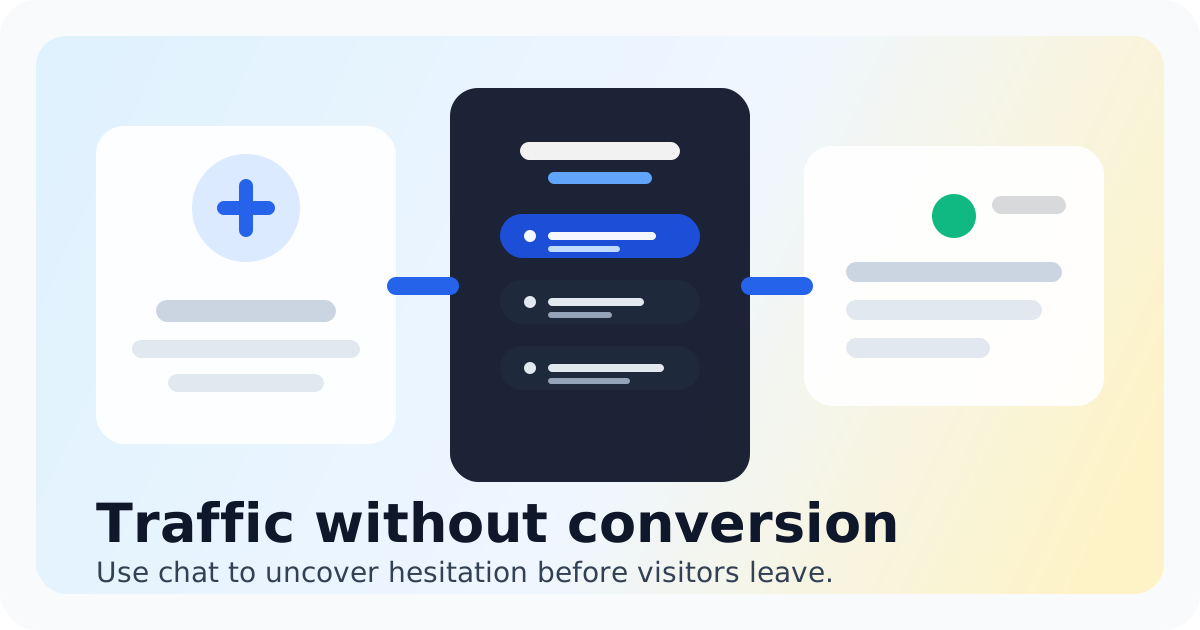
Your website is doing its job. People find you. They read about your coaching offers. They see your credibility. And then they leave. Not because your content is bad. Not because your prices are wrong. They leave because they have a question and no fast way to get an answer. That gap between interest and action is where coaching businesses lose their best leads. Live chat for coaching businesses fills that gap. It puts a real conversation channel on your site when visitors are most engaged. You do not need a full support team. You need a way to answer questions at the right moment and get discovery calls on the calendar. Chatting puts a lightweight chat widget on your site, shows you who is browsing in real time, and routes every conversation to one shared inbox your whole team can manage. It is built for small teams that want real conversations without enterprise prices or software bloat. If you are running a coaching business and your website is not capturing conversations, you are leaving discovery calls on the table.
- Live chat catches visitors while they are still on the page with questions top of mind
- A shared inbox lets you or your team reply from one place without switching tools
- Real-time visitor context helps you tailor responses to what the prospect is actually looking at
- Saved replies speed up answers to common coaching questions without sounding robotic
- After-hours chat capture lets you follow up the next morning instead of losing the lead forever
- Chatting keeps pricing simple so you pay for what you use, not per-seat tiers that balloon as you grow
Why Coaching Businesses Lose Leads on Their Website
Every coaching website has a moment of maximum intent. It happens when a visitor reads your coaching packages, your about page, or your free assessment. That is the moment they are closest to reaching out. It is also the moment they are most likely to bounce if they cannot get a quick answer.
The traditional path is slow. They fill out a contact form. You get an email hours later. They booked time on your calendar or you played email tag for three days. By then, the urgency is gone. They either figured out their answer elsewhere or they moved on to a coach who responded faster.
Live chat collapses that timeline. When someone lands on your pricing page and wonders whether your coaching fits their situation, they can ask right there. You see their question within seconds. You answer in minutes. If you are not online, the chat captures their question and their email so you can follow up when you are. That one interaction changes a bounce into a booked discovery call.
Coaching businesses that add live chat to their sites consistently report higher inquiry rates. The difference is not the traffic. It is the response speed. Visitors who get answers in real time are far more likely to schedule a call than those who send a form and wait. The widget itself acts as a signal that you are available and responsive, which builds trust before the first conversation even starts.
What makes Chatting different for coaching businesses is the simplicity. You are not buying a help desk designed for thousands of tickets. You are getting a chat widget, a shared inbox, and the context you need to have real conversations. No per-seat pricing that punishes you for adding a virtual assistant or part-time support. No bloat that requires training just to answer a chat. Just the tools you need to turn website traffic into coaching conversations.
What to Look for in Live Chat Software for Coaching Businesses
- Real-time visitor context: You want to see what page a visitor is on and how long they have been there. If someone is reading your pricing page for five minutes, they are comparing options. That is the moment to reach out or be ready to answer.
- Shared inbox for your team: If you have a co-founder, a VA, or a part-time assistant handling inquiries, you all need one place to see conversations. A shared inbox prevents two people replying to the same lead and keeps every conversation in one thread.
- Saved replies for common questions: Coaching businesses get the same questions over and over. What is your availability? What does a typical session look like? How much does coaching cost? Saved replies let you answer fast without copy-pasting the same response every time.
- After-hours capture: You cannot be online 24/7. But your prospects might be browsing at 11pm. Chat software that captures unanswered chats and sends them to your email means you never lose a lead just because you were asleep.
- Calendar integration or easy link sharing: When a prospect is ready to book, you want to send them your calendar link with one click. The faster you can move from chat to scheduling, the more calls you book.
- Lightweight widget that does not slow your site: A chat widget that adds seconds to page load times hurts conversions. Chatting is built to load fast and stay out of the way until it is needed.
- Easy customization: Your chat widget should match your brand colors and feel like part of your website, not an afterthought. First impressions matter, especially for premium coaching services.
Start Capturing Leads Before They Bounce
Your website is a 24/7 storefront. It works even when you are sleeping, eating, or in a coaching session. But a website that cannot talk back is like a storefront with no salesperson on the floor. Visitors wander in, look around, and leave because nobody greets them.
Live chat fixes that. It is the closest thing to having a real person at the door, ready to answer questions and guide visitors toward a discovery call. For coaching businesses, every conversation on your site is a potential client who took the time to reach out. That intent is valuable. Do not let it disappear into a bounce.
You do not need a full support team to do this. You need the right tools and a few habits. Check your chat a few times a day. Reply within a few hours. Use saved replies for the questions you answer ten times a week. Route leads to your calendar when they are warm. That is it.
Chatting is built for exactly this. It is live chat for small teams that want to talk to high-intent visitors without paying for features they will never use. If you are ready to turn more website traffic into booked discovery calls, the chat widget on your site is the place to start. Install it, customize it, and start answering the questions that are already waiting for you.
See live chat for small business
See how Chatting handles live chat for coaching businesses for small teams.
See live chat for small businessFAQ
Does live chat work for coaching businesses with just one person?
Yes. Even if you are a solo founder, live chat helps you catch visitors when they are active on your site. You can set your status to online only when you are available, and the chat will capture messages when you are not. That means you can reply on your own schedule without missing a single inquiry.
How does live chat help me get more discovery calls?
Live chat removes the friction between a visitor having a question and getting an answer. When someone lands on your coaching page with questions about pricing, process, or fit, they can ask instantly. If you reply in real time and offer to hop on a call, the conversion from chat to booked discovery call happens much faster than a form follow-up cycle.
What if I am in a coaching session and cannot reply immediately?
That is why after-hours chat capture exists. Chatting captures the conversation even when you are offline and emails you the full transcript. You follow up the next morning when you are back in the office. No lead gets lost just because you were busy.
Can I use live chat to pre-qualify leads before booking a call?
Absolutely. Use your chat conversations to ask about their goals, timeline, and budget before sending your calendar link. If someone is a good fit, move fast to the scheduling link. If they need more information, send them a relevant resource or schedule a shorter intro call. Live chat gives you the context to make those decisions in real time.
Will the chat widget slow down my website?
Chatting is built to load fast and stay lightweight. A bloated chat widget that adds seconds to page load times can hurt your conversions, which is why Chatting focuses on keeping the widget minimal. It sits quietly on the page until a visitor wants to use it.
Do I need to pay per seat for my team to use the inbox?
Chatting is built for small teams and does not use per-seat pricing that punishes you for adding a virtual assistant or part-time support. You get a shared inbox your whole team can access without each user adding to your bill. That makes it practical for founder-led coaching businesses that want to scale support without scaling costs.
Recommended next steps
Live chat for small businesses that need faster answers
affordable live chat software
Live chat for small businesses that need faster answersIntercom alternative
Switch to Chatting if Intercom has become more software than your live-chat workflow needs.
Intercom alternativeLive Chat ROI Calculator
Plug in your monthly visitors, current conversion rate, and average order value to estimate the impact of faster conversations.
Live Chat ROI CalculatorA website chat widget for startups and small teams
website chat for startups
A website chat widget for startups and small teams