The short version
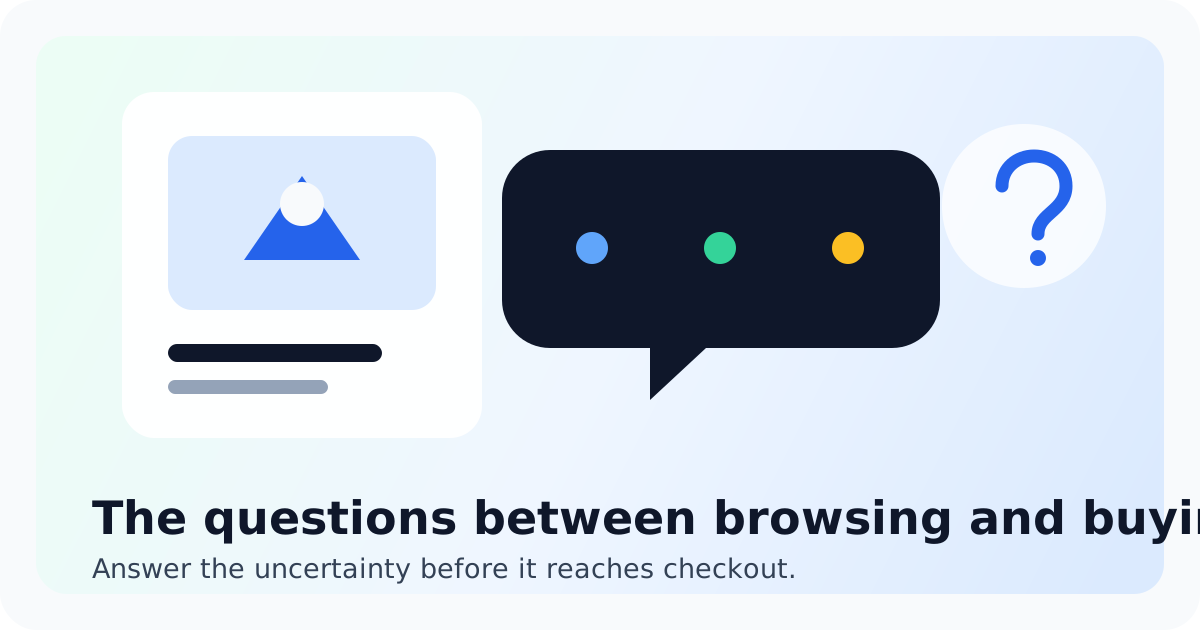
A product page can look polished and still leave the buying decision unfinished. Shoppers often hesitate because they cannot confirm delivery timing, total cost, return conditions, fit, compatibility, or what happens if the purchase goes wrong.
Answer the common questions on the page. Use live chat for the personal or unusual ones. Then feed repeated chat questions back into the page so the store becomes easier to buy from over time.
A pre-purchase question is often a purchase with one unresolved condition.
Questions 1 to 3: delivery and total cost
- When will this arrive at my address?
- What will shipping, tax, duties, or other fees add?
- Can it arrive before my event, trip, or gift date?
A generic 'ships in 2 to 3 days' line may describe dispatch rather than delivery. Say which one you mean, identify cutoff times, and explain what can change the estimate. If cost depends on location or basket value, make the calculation easy to reach before checkout.
Baymard's 2025 cart abandonment research found that extra costs and slow delivery remain major avoidable reasons shoppers leave checkout. Live chat can clarify an edge case, but it should not be the only place a shopper can discover the basic cost or delivery promise.
Questions 4 to 6: fit and suitability
- Which size, model, or variation is right for me?
- Will this work with what I already own?
- Does the product solve my specific use case?
These questions are where a short conversation can outperform another paragraph of generic marketing copy. Ask one or two useful questions, explain the relevant tradeoff, and be willing to say when a product is not the right fit.
Then record the pattern. If ten people ask whether a part fits the same model, add the compatibility answer to the product page or a structured FAQ. The inbox is giving you product-content research for free.
Questions 7 to 9: returns and purchase risk
- Can I return or exchange this item?
- Who pays return shipping, and are any fees withheld?
- What happens if it arrives late, damaged, or incomplete?
Returns are not a footer-only legal detail. They affect whether the shopper feels safe buying. Baymard's product-page research reports that many shoppers look for return information on the product page and that an unsatisfactory policy can cause abandonment.
Summarize the decision-making facts near the product, then link to the complete policy. The summary and full policy must agree, especially for sale items, personalized products, return windows, and shipping fees.
Questions 10 to 12: trust and the next step
- Is this store and payment process trustworthy?
- Is the item actually available now?
- What happens immediately after I order?
Trust is built from consistency. Product claims, stock status, delivery language, reviews, payment information, contact details, and policies should all tell the same story. A live person can reassure a shopper, but the rest of the store must support that reassurance.
Explain the next step too. Tell customers whether they receive an email, when the order can still be edited, how tracking arrives, and where they can ask for help. Reducing uncertainty after the click can make the click easier.
Put each answer where the question appears
- Product page: fit, compatibility, stock, delivery estimate, and return summary
- Cart: total-cost preview, promotion conditions, and delivery reminder
- Policy pages: complete shipping, returns, warranty, and exception rules
- Live chat: personal recommendations, edge cases, and clarifying questions
- Confirmation: what happens next, edit windows, tracking, and support path
Do not force every shopper to open chat. The strongest setup supports self-service for the predictable questions and a fast conversation for the ones that depend on context.
Turn chat history into a weekly conversion review
Once a week, review pre-purchase conversations and count the questions by product and reason. Look for questions asked more than once, questions that ended without a purchase, and answers that required an agent to hunt for information.
- Fix missing information at its source.
- Create an approved reply for the question while the page change is pending.
- Flag policy conflicts instead of improvising an answer.
- Check whether the same question declines after the page is updated.
That last step matters. Fewer repetitive questions after a clearer page is a win, even if chat volume falls.
Research behind the list
The question set draws on Baymard's research into cart abandonment, product-page usability, and shipping and return information, plus Shopify's guidance for a clear shipping policy. The operating workflow is Chatting's recommendation for small stores.
FAQ
Catch the question standing between browsing and buying
Add Chatting to give shoppers a direct path to an answer while your team learns which product pages need to work harder.
Start live chat freeRecommended next steps
Live chat software for small teams
live chat software for small teams
Live chat software for small teamsIntercom alternative
Switch to Chatting if Intercom has become more software than your live-chat workflow needs.
Intercom alternativeLive Chat ROI Calculator
Plug in your monthly visitors, current conversion rate, and average order value to estimate the impact of faster conversations.
Live Chat ROI CalculatorA website chat widget for startups and small teams
website chat for startups
A website chat widget for startups and small teamsFAQ
Should every answer be on the product page?
No. Put common decision facts there, link to complete policies, and reserve live chat for answers that depend on the shopper's context.
Which question should we fix first?
Start with a frequently asked question tied to delivery, total cost, returns, fit, or compatibility. Those are close to the buying decision and usually have a clear page owner.
How do we know whether a chat helped a sale?
Track the conversation against a shared visitor or order journey where consent and your analytics setup allow it. Do not claim the sale came from chat based only on timing.
What if the agent cannot confirm the answer?
Say what is known, avoid inventing a promise, and give a precise follow-up time after checking with the policy, inventory, or fulfillment owner.