Proactive chat: quick answer
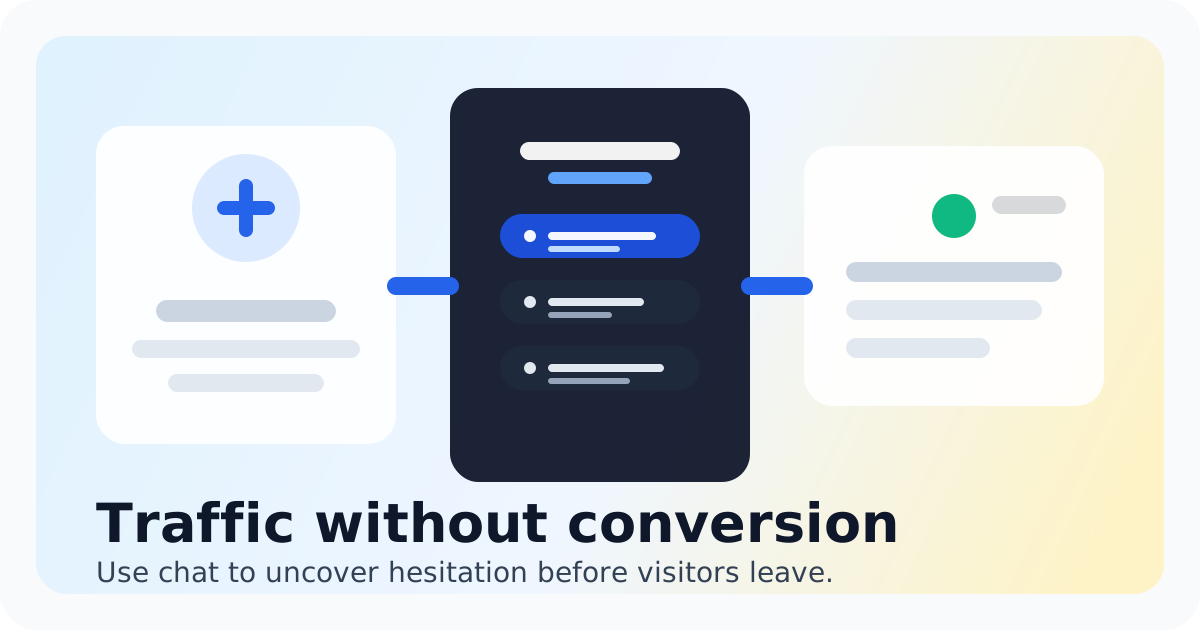
Proactive chat starts a helpful conversation based on visitor context or behavior instead of waiting for the visitor to open the widget first.
The best proactive chat rules target one high-intent moment, such as time spent on pricing, repeated product-page visits, checkout hesitation, or exit intent. Keep the prompt specific, delay it long enough to avoid interruption, and stop showing it after the visitor replies or dismisses it.
Proactive chat best practices
- Trigger prompts on high-intent pages rather than across the entire website.
- Reference the decision the visitor is making instead of opening with a generic greeting.
- Ask one short question and offer one clear next step.
- Show prompts only when someone is available or set an honest follow-up expectation.
- Cap repeat displays so returning visitors are not interrupted on every visit.
- Measure qualified conversations and conversions, not prompt views alone.
Proactive chat rules and triggers
- Pricing-page dwell time: offer help comparing plans after 30 to 60 seconds.
- Product-page depth: ask about fit after a visitor views key details or returns to the same product.
- Checkout hesitation: offer shipping, return, sizing, or payment help before abandonment.
- Campaign landing page: match the prompt to the promise in the ad or email that brought the visitor.
- Exit intent: use a restrained final offer of help on desktop, not an aggressive discount popup.
- Known visitor context: route valuable repeat visitors to the teammate best placed to answer.
Start with one rule on one page. Add another only after the team can respond reliably and the first prompt produces useful conversations.
Proactive chat examples
- Pricing: ‘Comparing plans? Tell me your team size and I’ll point you to the simplest fit.’
- Ecommerce product page: ‘Unsure about sizing or delivery? I can help before you check out.’
- SaaS feature page: ‘Want to confirm whether this works with your current setup?’
- Demo page: ‘Need a quick answer before booking? Ask here and we’ll keep it brief.’
- After hours: ‘We’re offline right now. Leave your question and email, and we’ll reply tomorrow morning.’
- Industry landing page: 'Not sure whether this fits your use case? Tell me what you are trying to do and I will point you in the right direction.'
- Checkout or cart: 'Stuck before ordering? I can help with delivery, returns, sizing, or payment questions.'
How to measure proactive chat
Track prompt-to-conversation rate, first-response time, qualified conversation rate, and the final outcome. A prompt that starts many low-value conversations is weaker than one that starts fewer conversations with visitors who genuinely need help.
Review the conversation transcripts too. They show whether the rule fired at a useful moment and whether the wording matched the visitor’s actual question.
Proactive chat FAQ
Start with one useful proactive rule
Use Chatting to target a high-intent page, route replies into one inbox, and learn from the conversations that follow.
See Chatting pricingRecommended next steps
Live chat software for small teams
live chat software for small teams
Live chat software for small teamsTidio alternative
Switch to Chatting if you want real people answering real-time website questions with less setup.
Tidio alternativeLive Chat ROI Calculator
Plug in your monthly visitors, current conversion rate, and average order value to estimate the impact of faster conversations.
Live Chat ROI CalculatorA website chat widget for startups and small teams
website chat for startups
A website chat widget for startups and small teamsFAQ
What is proactive chat?
Proactive chat is a website message triggered by visitor behavior or context to offer relevant help before the visitor starts a conversation.
What are the best proactive chat practices?
Target high-intent pages, use specific and restrained copy, show prompts when the team can respond, limit repeat displays, and measure useful outcomes rather than views.
What rules should trigger proactive chat?
Useful triggers include pricing-page dwell time, repeated product views, checkout hesitation, campaign source, scroll depth, and desktop exit intent.
Do proactive chat prompts annoy visitors?
They can when they are immediate, generic, or repeated. Relevant prompts with sensible delays and frequency limits usually feel more like timely help than interruption.
How many proactive chat prompts should a small team run?
Start with one or two high-intent rules. Expand only after the team can answer promptly and the existing prompts produce qualified conversations.
How should proactive chat success be measured?
Track prompt-to-conversation rate, qualified conversation rate, response time, and conversions such as purchases, demos, or resolved questions.