The short version
A lot of small ecommerce stores do not have a support team. They have a founder, maybe one or two other people, and a growing pile of refunds, cancellations, shipping questions, and order-status emails that keep showing up at the worst possible time.
That is why the real question is not whether support should be automated. It is what should actually be automated, what still needs a human, and how to keep the whole thing from becoming a mess.
- Automate the repetitive questions.
- Keep sensitive actions like refunds and cancellations under review.
- Use live chat to catch questions early before they become tickets.
- Keep one clean inbox instead of bouncing between tools all day.
What small stores are actually dealing with
The same requests come up over and over again.
- Where is my order?
- Can I cancel this?
- Can I change the shipping address?
- When will this ship?
- Can I get a refund?
- Can I still edit my order?
Some of those are safe to automate. Some of them absolutely are not. That distinction matters more than people admit.
What should usually be automated
Most small stores should automate the low-risk, repetitive layer first.
- Order-status questions
- Shipping-policy questions
- Delivery timing basics
- Return-policy explanations
- FAQ-style product questions
- After-hours lead capture
- Routing the request to the right person or inbox
This is where Chatting fits well. It helps small teams handle the first layer of support without treating every message like a manual task.
What usually still needs a human
This is where a lot of automated-support talk gets sloppy. Refunds, cancellations, partial refunds, edge-case delivery issues, damaged-item claims, and policy exceptions often still need a person to review them.
Not because automation is useless. Because these actions affect money, inventory, fraud risk, and customer trust.
- A fully automatic workflow is only safe when the policy is extremely clear.
- The approval window is tightly defined.
- The order state is simple.
- The risk of abuse is low.
Otherwise, a human still needs to look.
The biggest misunderstanding about support automation
A lot of store owners think support automation means they never touch this again. Usually it means fewer repetitive replies, cleaner routing, faster first responses, less after-hours leakage, and better organization around what still needs a human.
That is still valuable. In fact, that is usually the right goal. Small stores do not need fake autonomy. They need less operational drag.
The most annoying part of most setups
For small stores, the worst part is usually not the message volume itself. It is the fragmentation.
- One tool for chat
- The ecommerce admin for something else
- Email inboxes for another slice of support
- Manual policy decisions living in someone's head
- No clean way to tell what should be automated and what should be escalated
That is how simple questions start eating hours. The problem is not just volume. It is context switching and inconsistency.
Why Chatting makes sense for small-store support
This is the kind of support problem Chatting is built for. Small stores usually do not need a giant enterprise help desk. They need a faster, cleaner front layer for customer questions so the team can spend time on the requests that actually need judgment.
- A live chat widget for pre-sales and support questions
- FAQ suggestions for repetitive requests
- A shared inbox so nothing gets lost
- After-hours capture when nobody is online
- Visitor context so replies start with actual information
That is a better fit for stores trying to reduce support overhead without turning support into its own department.
Our take
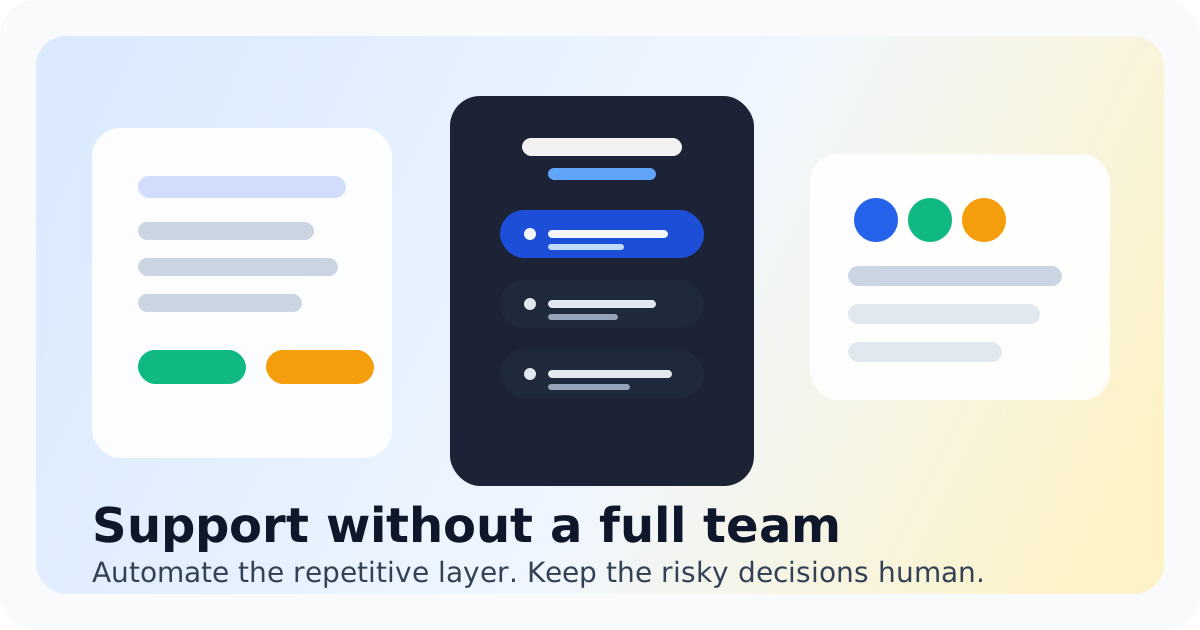
If you run a small ecommerce store, the best support workflow is usually part automation and part human review.
- Automate repetitive questions, first responses, routing, and after-hours capture.
- Keep human review for refunds, cancellations, exceptions, and anything with financial or policy risk.
That is the sane middle ground. And for most small teams, Chatting is strongest in that front layer: catching questions early, reducing repetitive work, and keeping the inbox manageable before support turns into a daily bottleneck.
Keep ecommerce support lighter without losing control
Use Chatting to handle repetitive questions, capture after-hours requests, and give your team one cleaner support front layer before every issue turns into manual work.
Start live chat freeFAQ
Do small stores usually automate refunds and cancellations completely?
Usually not. Some stores automate narrow cases, but many still review those actions manually because they affect money, inventory, and fraud risk.
What should a small store automate first?
Start with order-status questions, shipping basics, policy explanations, FAQ replies, and after-hours capture. Those usually remove the most repetitive work with the least risk.
Do support tools really run on their own?
Not completely for most small stores. They usually automate triage and repetitive replies, but humans still step in for higher-risk decisions and edge cases.
What is the most frustrating part of small-store support?
Usually the fragmentation. Messages come in across too many places, and the team still has to manually sort what is simple versus what needs judgment.
Where does Chatting fit?
Chatting fits best as the fast front layer: live chat, FAQ help, inbox organization, and after-hours capture so the team can focus on the cases that actually need a person.
Recommended next steps
Live chat software for small teams
live chat software for small teams
Live chat software for small teamsZendesk alternative
Switch to Chatting if the team mainly needs live chat, page context, and after-hours capture.
Zendesk alternativeLive Chat ROI Calculator
Plug in your monthly visitors, current conversion rate, and average order value to estimate the impact of faster conversations.
Live Chat ROI CalculatorA website chat widget for startups and small teams
website chat for startups
A website chat widget for startups and small teams